5 Best Sites To Design My Wedding Album Online In 2026
Your wedding photos deserve more than a folder on your hard drive. After months of planning and one unforgettable day, those images hold stories worth preserving in a tangible, lasting form. That's exactly why so many couples search for ways to design my wedding album without the overwhelm of figuring it out alone.
The good news? You don't need professional design skills to create something beautiful. Today's online album platforms make it surprisingly simple to build heirloom-quality books from the comfort of your couch. Whether you want full creative control or prefer guided templates that do the heavy lifting, there's an option that fits your style and budget.
At rajfoto, we've spent years documenting weddings and watching couples treasure their printed albums long after the day itself fades from memory. We know what makes an album worth keeping. Below, we've rounded up five of the best sites to help you turn your wedding photos into a keepsake you'll actually pull off the shelf for years to come.
1. Artifact Uprising
Artifact Uprising built its reputation on high-quality print materials and minimalist design aesthetics. The platform gives you clean layout tools and premium paper options that let your wedding photos shine without unnecessary clutter. If you want to design my wedding album with a focus on timeless, elegant presentation, this site delivers exactly that.
Choose your album style and size
You'll start by selecting between layflat hardcover albums or softcover photo books, with sizes ranging from 5x5 inches to 12x12 inches. Layflat albums let images span across two pages without a visible gutter, which works beautifully for panoramic wedding shots or full-spread portraits. The larger formats give you more room to showcase detail-heavy images, while smaller sizes keep costs down if you're creating multiple copies for family.
Build pages fast with templates
Artifact Uprising provides pre-designed layouts that handle the heavy lifting for you. You can choose single-image pages, multi-photo grids, or mixed arrangements that balance portraits with candid moments. Drag your images into place, and the platform auto-adjusts spacing to maintain clean margins. Templates speed up the process without making your album feel cookie-cutter.
Control paper, cover, and finishes
Your album prints on thick, premium matte paper that resists fingerprints and glare. Cover options include linen, leather, or recycled materials, each offering a different tactile experience. You can add foil stamping for names or dates, which gives the front a subtle personalized touch without overwhelming the design.
Understand editing and proofing options
Before printing, you'll review a digital proof that shows exactly how your pages will appear. The platform doesn't include advanced color correction tools, so you'll want to upload high-resolution images that already look polished. If you spot layout issues, you can adjust and re-proof as many times as needed before finalizing your order.
Uploading images with proper resolution and color balance from the start saves time and ensures your printed album matches your expectations.
Estimate pricing and common add-ons
Layflat albums start around $79 for smaller sizes and climb to $199 or more for larger formats with upgraded covers. Additional pages cost $1 to $3 each, depending on your album type. Foil stamping adds roughly $10 to $15, and expedited shipping pushes costs higher if you're on a tight timeline.
Watch for limitations that matter
Artifact Uprising excels at clean, simple layouts, but you won't find elaborate templates or text-heavy design options. The editor works best for couples who prefer image-forward storytelling over heavy customization. Upload speeds can lag with large photo batches, so plan extra time if you're working with hundreds of high-resolution files.
2. MILK Books
MILK Books specializes in professionally printed photo books with a focus on exceptional color accuracy and archival-quality materials. The platform offers straightforward design tools that help you design my wedding album without wrestling with complicated software. Your finished product arrives with lab-grade printing that preserves your images exactly as you intended them to look.
Pick a book format that fits your wedding
You'll choose between hardcover albums or softcover books, with sizes from 7x7 inches to 12x12 inches. Hardcover options give you layflat binding that eliminates center creases when images span two pages. Softcover books cost less and work well for sharing copies with extended family.
Design with MILK's editor and layouts
MILK provides a web-based editor with clean, grid-based templates that organize your photos into balanced layouts. You drag images into preset frames, adjust cropping, and add minimal text for dates or captions. The interface keeps distractions low so your wedding photos stay front and center.
Select premium materials and upgrades
Your album prints on thick, luster-finish paper that resists fading and fingerprints. Cover options include linen or leather wraps, each adding texture without overwhelming your photos. You can request dust jackets for added protection during storage.
Plan for color management and print accuracy
MILK Books uses professional-grade printers calibrated for consistent color output. You'll want to upload images in sRGB color space to match what the lab expects. The platform shows a digital preview before printing, though actual colors may shift slightly depending on your monitor's calibration.
Estimate pricing and page count tradeoffs
Albums start around $50 for smaller formats and reach $150 or more for larger hardcovers. Each additional page adds roughly $1 to $2, so balance your desired page count against budget. Shipping costs vary based on your location and selected delivery speed.
Choosing sRGB color space before uploading ensures your printed album matches what you see on screen during the design process.
Watch for limitations that matter
MILK Books excels at straightforward, clean layouts but lacks advanced customization tools like layered text or graphic overlays. The editor works best for couples who want photo-focused storytelling without elaborate design flourishes.
3. Mixbook
Mixbook combines user-friendly design tools with extensive customization options that give you creative control without requiring professional skills. The platform offers hundreds of templates and drag-and-drop editing that makes it simple to design my wedding album at your own pace. Your finished book arrives with high-quality printing and durable binding that stands up to regular handling.
Start with a wedding theme or blank book
You'll choose from themed templatesbuilt specifically for weddings or start with a blank canvas if you prefer total control. Templates include pre-arranged layouts that you customize with your photos, while blank books let you build pages from scratch.
Customize layouts with drag-and-drop tools
Mixbook's editor lets you resize images, adjust placement, and add text boxes with multiple fonts. You drag elements directly on the page and see changes instantly without waiting for uploads to process.
Collaborate and collect photos from others
The platform allows you to invite contributors who upload their own wedding photos directly into your project. This feature streamlines gathering images from guests or other photographers.
Choose cover, paper, and binding options
Your album prints on premium layflat paper or standard photo paper, with cover choices including hardcover linen or glossy finishes. Binding options affect page durability and how images display across spreads.
Estimate pricing and discounts realistically
Albums start around $30 for smaller formats and reach $120 for larger books. Mixbook runs frequent promotional discounts that reduce costs by 30% or more if you wait for sales.
Waiting for Mixbook's regular promotional periods can cut your album cost significantly without sacrificing quality.
Watch for limitations that matter
Mixbook's extensive customization options create a steeper learning curve than simpler platforms. The editor occasionally lags when working with large photo batches, requiring patience during design sessions.
4. Nations Photo Lab
Nations Photo Lab caters to professional photographers and couples who want pro-grade printing without the complexity of high-end photo labs. The platform focuses on archival-quality materials and straightforward design tools that help you design my wedding album with results that rival professionally produced books. Your finished product arrives with color-accurate printing and binding built to last decades.
Decide between album types and bindings
You'll choose between flush-mount albums with layflat binding or traditional matted albums with individual photo mounts. Flush-mount options let images span two pages seamlessly, while matted albums add physical depth between pages for a classic presentation.
Design pages with simple layout tools
Nations Photo Lab provides a basic editor that arranges photos into clean, grid-based layouts. You position images, adjust cropping, and add minimal text without wrestling with complicated design features.
Choose paper thickness and cover materials
Your album prints on thick, archival-grade paper that resists yellowing over time. Cover options include leather, linen, or metallic finishes, each adding durability without sacrificing visual appeal.
Plan for pro-quality printing expectations
The lab uses calibrated printers that maintain consistent color output across orders. You'll need to upload images in proper color profiles to match what the lab expects for accurate reproduction.
Estimate pricing and production time
Albums start around $100 for smaller formats and reach $300 or more for larger layflat books. Production typically takes one to two weeks, with expedited options available at additional cost.
Uploading images with proper color profiles ensures your printed album matches professional-quality expectations.
Watch for limitations that matter
Nations Photo Lab excels at professional-grade output but offers limited template variety compared to consumer-focused platforms. The editor works best for couples comfortable with straightforward layouts.
5. Shutterfly
Shutterfly offers accessible design tools and frequent promotional discounts that make professional-quality wedding albums affordable for most budgets. The platform combines intuitive templates with broad customization options that help you design my wedding album without wrestling with complicated software. Your finished book arrives with solid print quality and durable binding that withstands regular use.
Use templates to build an album quickly
You'll choose from hundreds of wedding-specific templates that organize your photos into pre-arranged layouts. Templates include coordinated color schemes and page designs that maintain visual consistency throughout your album without requiring design experience.
Add text, backgrounds, and embellishments
Shutterfly's editor lets you overlay text with multiple font options, add decorative borders, and insert background patterns that complement your photos. You adjust elements by dragging them directly on the page.
Pick sizes, paper, and cover styles
Your album prints on standard photo paper or premium layflat paper, with sizes from 8x8 inches to 12x12 inches. Cover choices include hardcover linen, leather, or glossy finishes.
Keep image quality high with best practices
You'll want to upload high-resolution images that maintain clarity when printed at full size. The platform accepts files up to 15MB per photo.
Uploading the highest resolution images available ensures your printed album displays sharp details across all page sizes.
Estimate pricing with frequent promotions
Albums start around $30 for basic formats and reach $100 for larger premium books. Shutterfly runs regular sales that reduce costs by 40% or more during promotional periods.
Watch for limitations that matter
Shutterfly's broad template selection creates decision overload for some users. Print quality remains consistent but not lab-grade compared to professional photo services.
Quick recap and next steps
Each platform we covered brings something different to the table when you're ready to design my wedding album. Artifact Uprising delivers minimalist elegance with premium materials, MILK Books focuses on color accuracy and archival quality, Mixbook offers extensive customization with budget-friendly pricing, Nations Photo Lab provides professional-grade output, and Shutterfly combines accessibility with frequent discounts. Your choice depends on whether you prioritize design flexibility, print quality, or cost.
Before you commit to a platform, upload a few test images to see how their editor handles your actual wedding photos. Pay attention to how easily you can arrange layouts and whether the preview accurately represents your vision. Most sites let you save projects without ordering, so you can experiment risk-free.
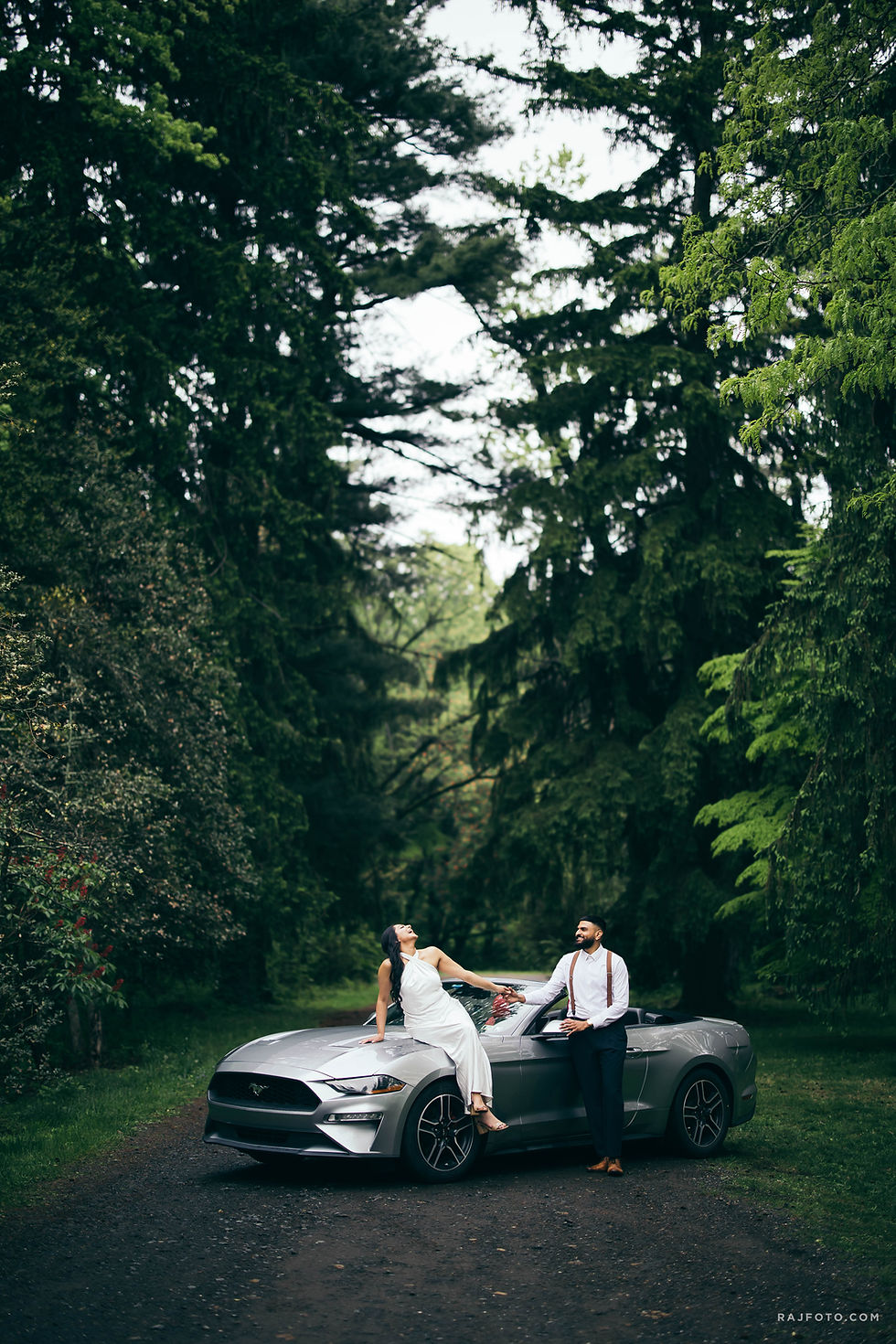
Ready to see the kind of imagery that makes albums worth creating? Browse our wedding photography gallery to discover how we capture moments that deserve preservation in print.


Comments